Ubiquiti QIG
UX / Graphic Design
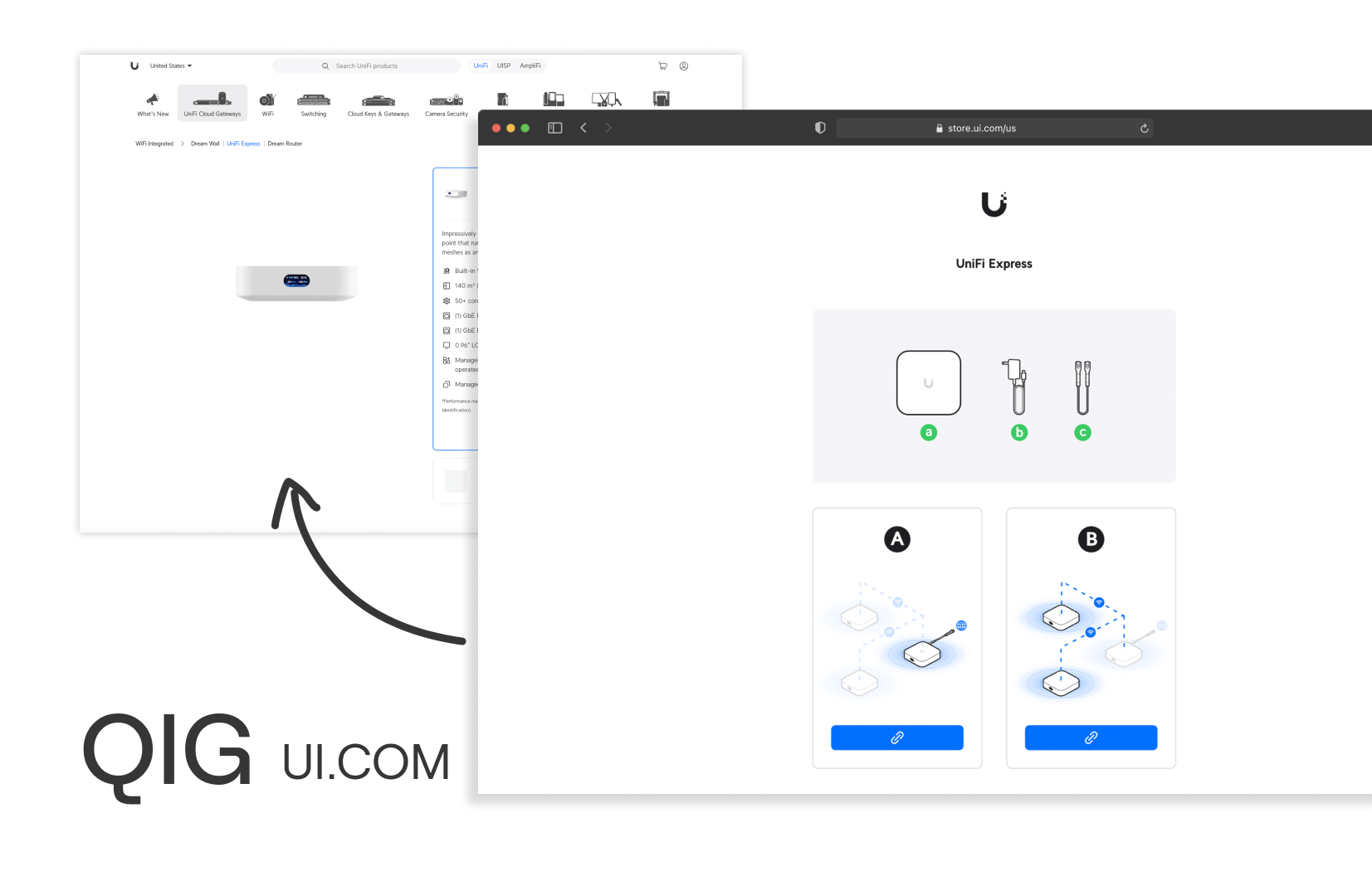
QIG (Quick Installation Guide) is an installation guide developed specifically for Ubiquiti products. By solving the pain points of reading and understanding, this low-cost, easy-to-use manual digitization solution makes the installation process of difficult networking products easier.
DATE
April 2020 - 2023
TEAM
Jim Chen , Don Hsu , Marvin Yang , Ubiquiti Frontend Team
ROLE
User Research / UIUX Design / Graphic Design
INSTRUCTOR
Jim Chen , Don Hsu Ubiquiti Frontend Team
Develop a rapid UX drawing, update the installation manuals immediately for hardware and software iterations, and integrate external communities and internal ideas to form a manual agile development process.
Challenge
By allowing easy data changes, we can create a web-based QIG that can be iterative and fast, such as the software update mode.
Past QIG Paint Point
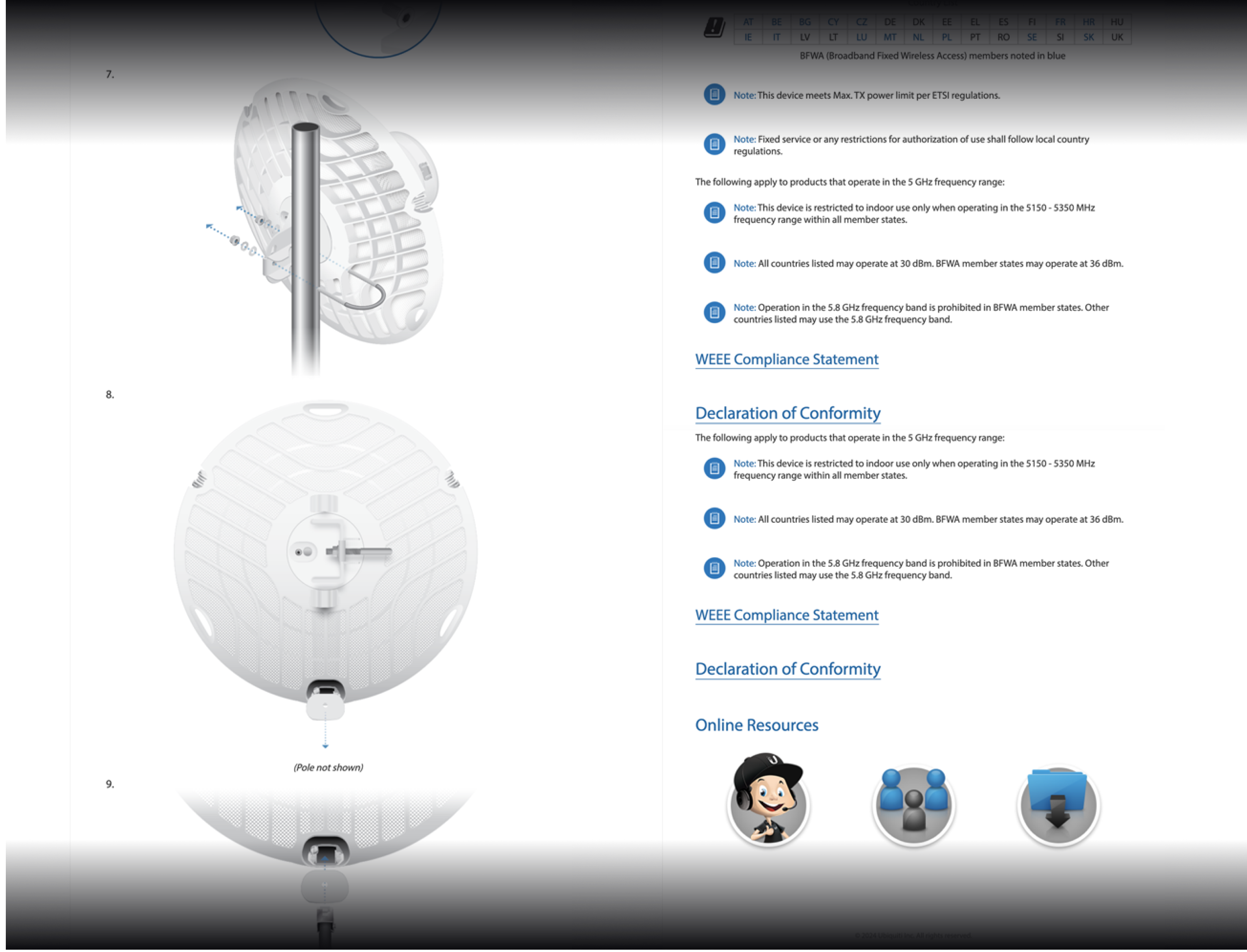
QIG's previous version was a PDF and webpage that combined product installation, product features, regulations, and service information into one web page, by integrating software and hardware information with traditional vector drawing objects.
Our Solution
As a result of the company's rapid and complex iterative process, we created QIG with an easy and fast process.
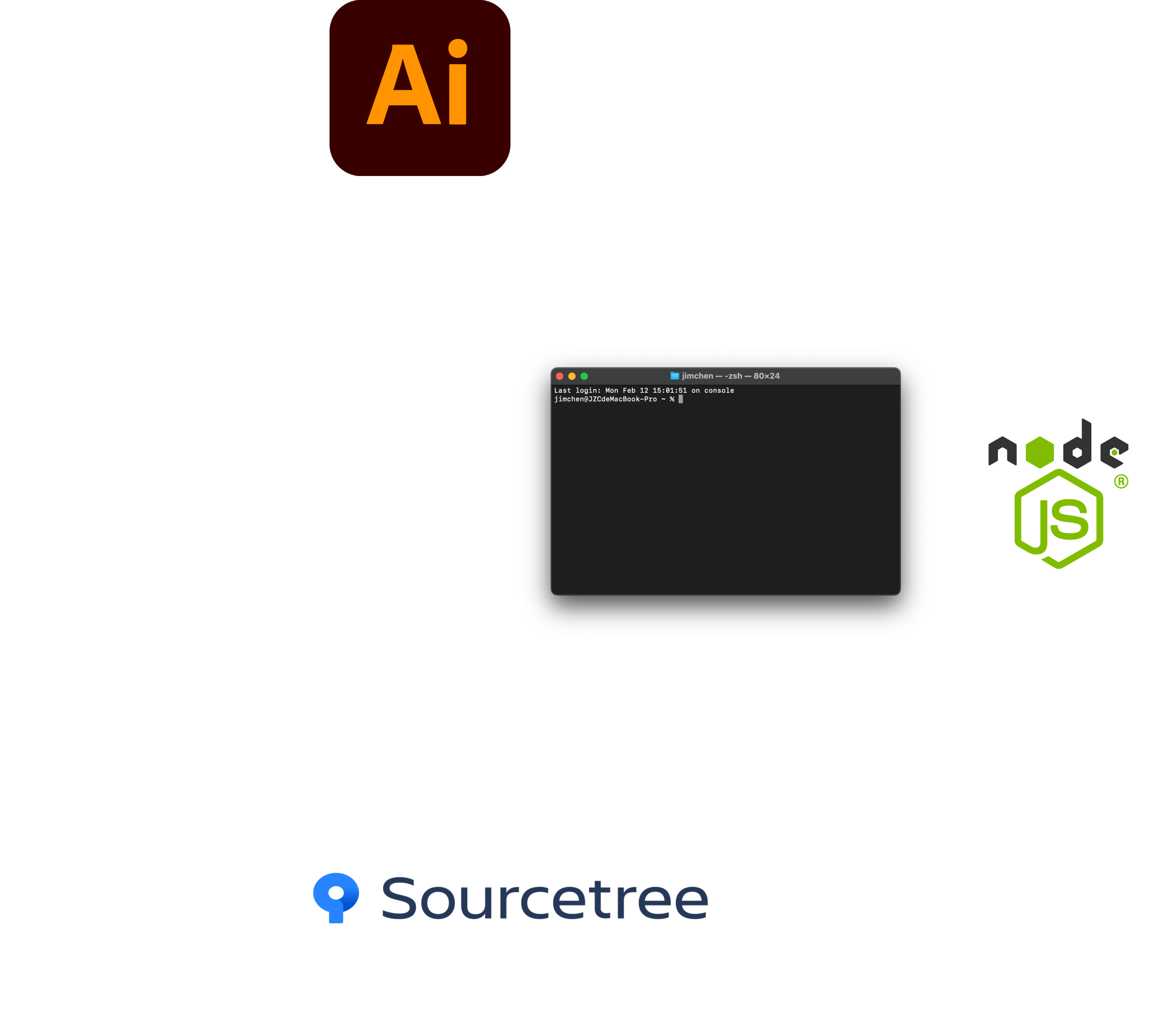
Illustrator build SVG files > terminal with Node.js build the html > translate & manage versions by Sourcetree with Github > Just open URL to see QIG
Guideline Details
01
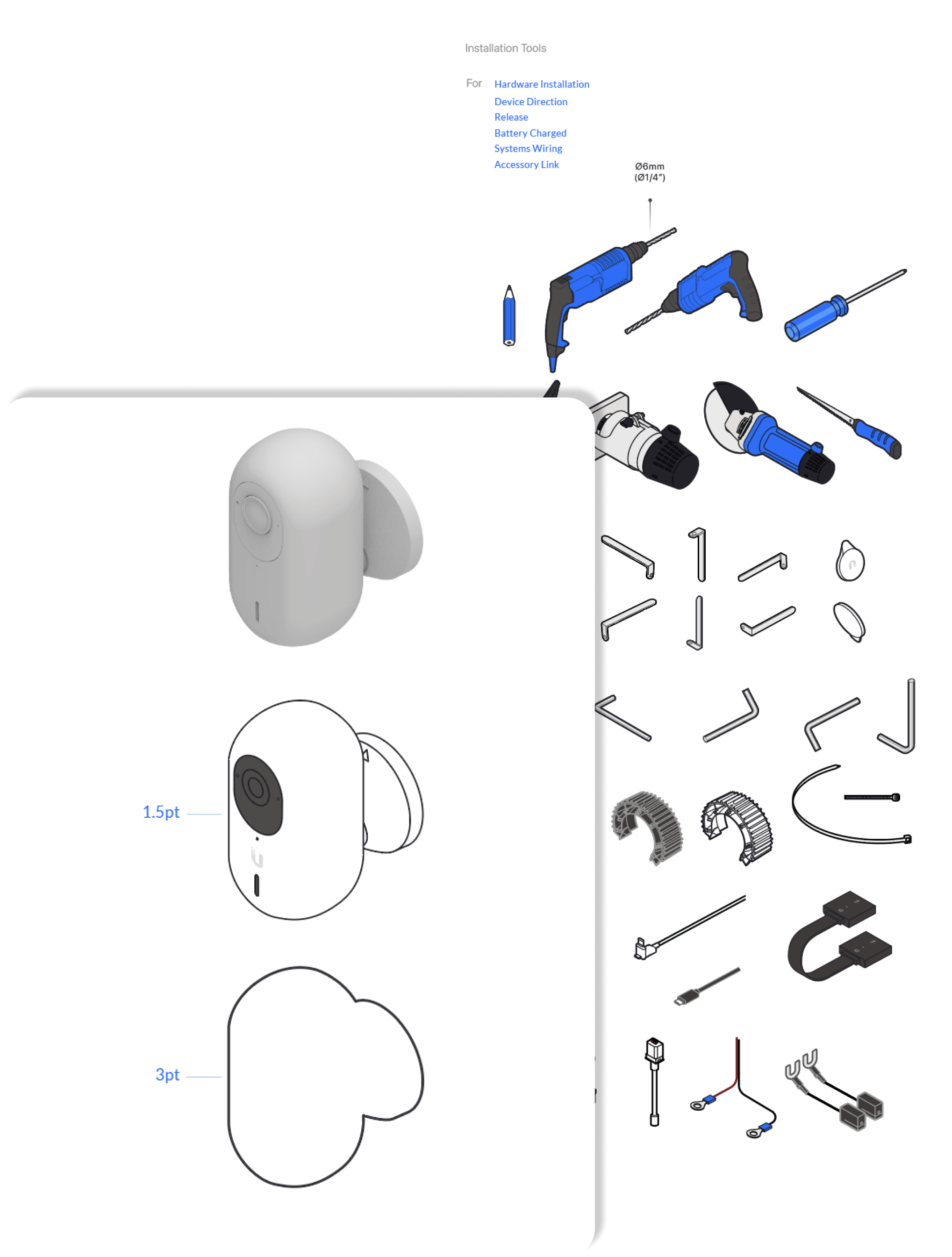
Style Guide and many components
Consist style with flat design
02
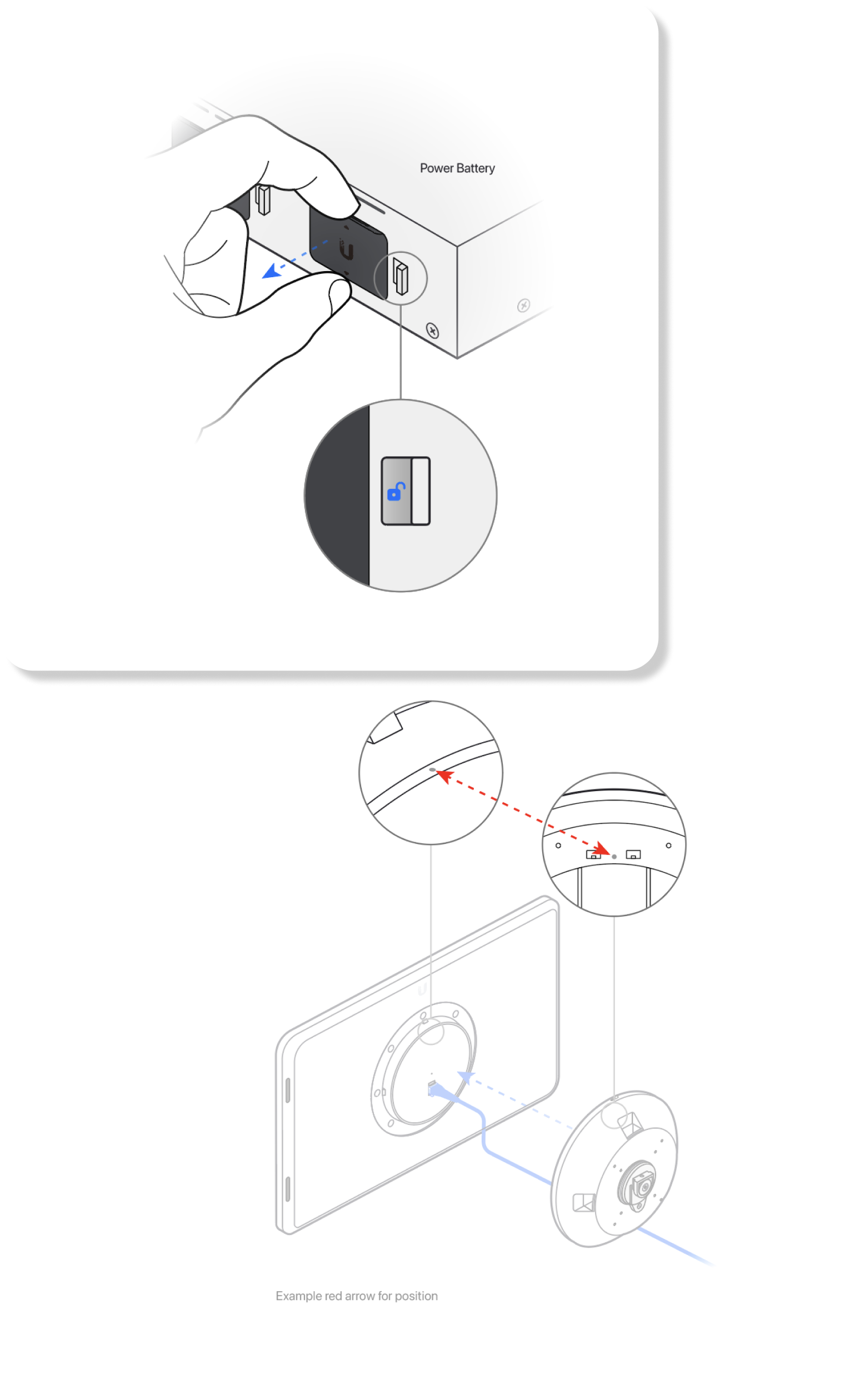
Zoom in descriptions
Scenarios using higher-tension magnification descriptions
03
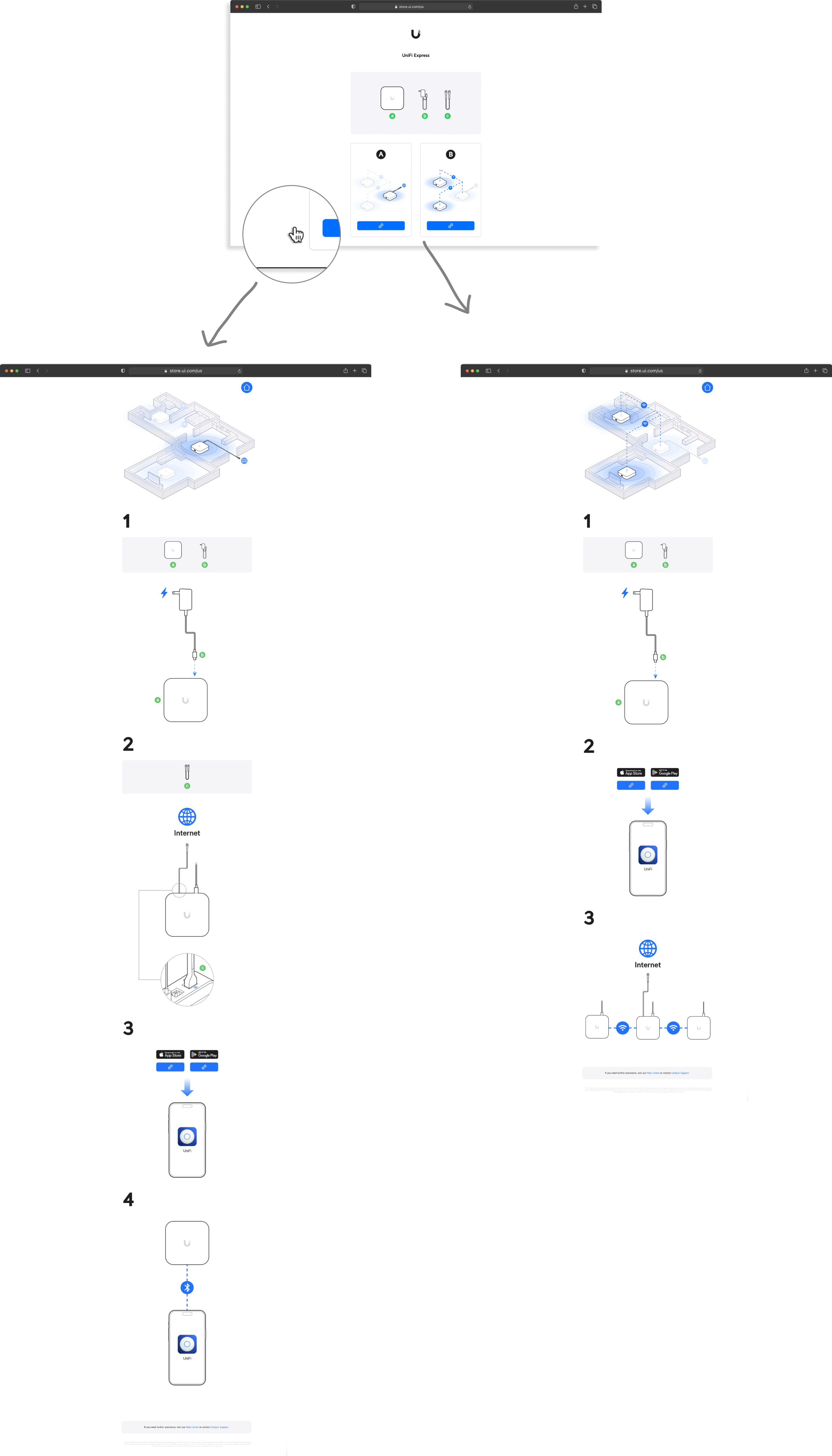
Better scenarios portal on home page
Allows you to immediately select the installation scenario you want
By comparing the old and new versions, you can clearly see the new version's features, including a graphic illustration of the installation process, a software guide on how to download the app directly into the product, put the service center to the footer and seperate the regulation wording into packaging for shipping.
Next Projects
BenQ Uni UI